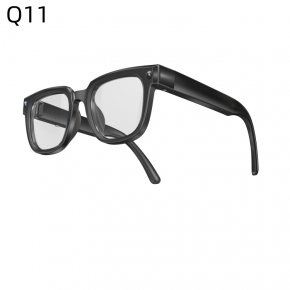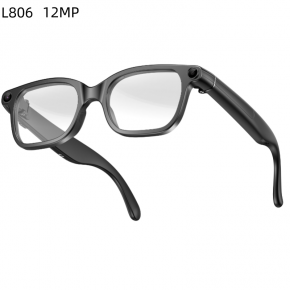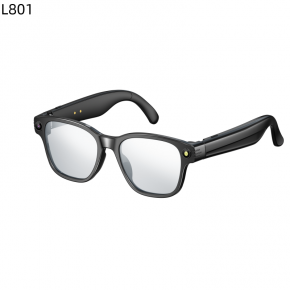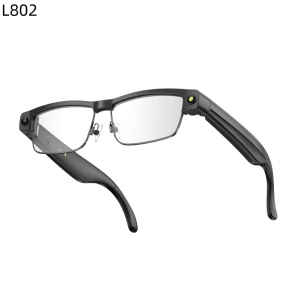
tina@jingyuniot.com
+86 13534035013
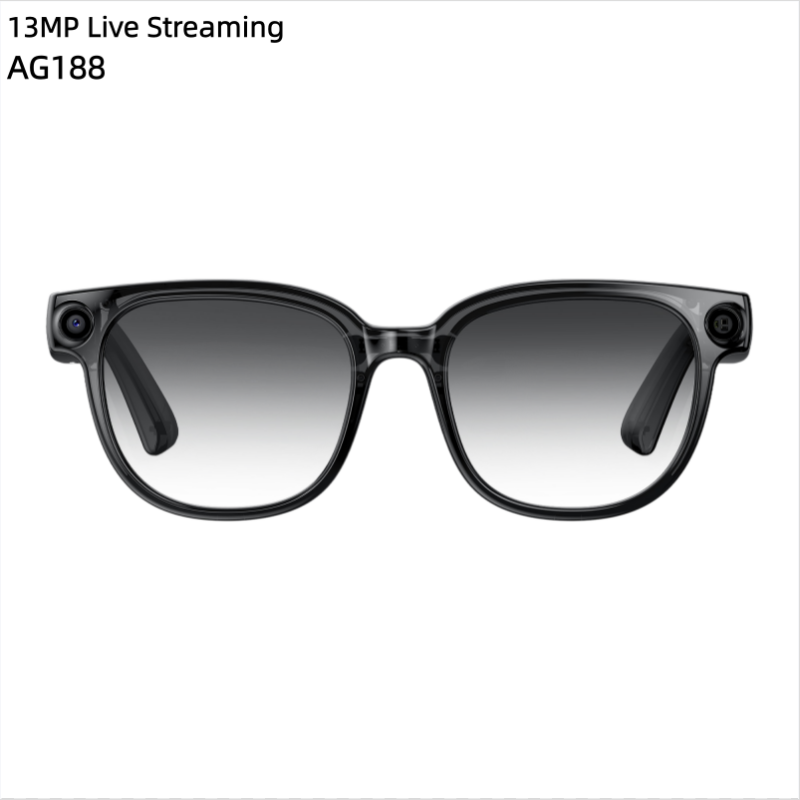
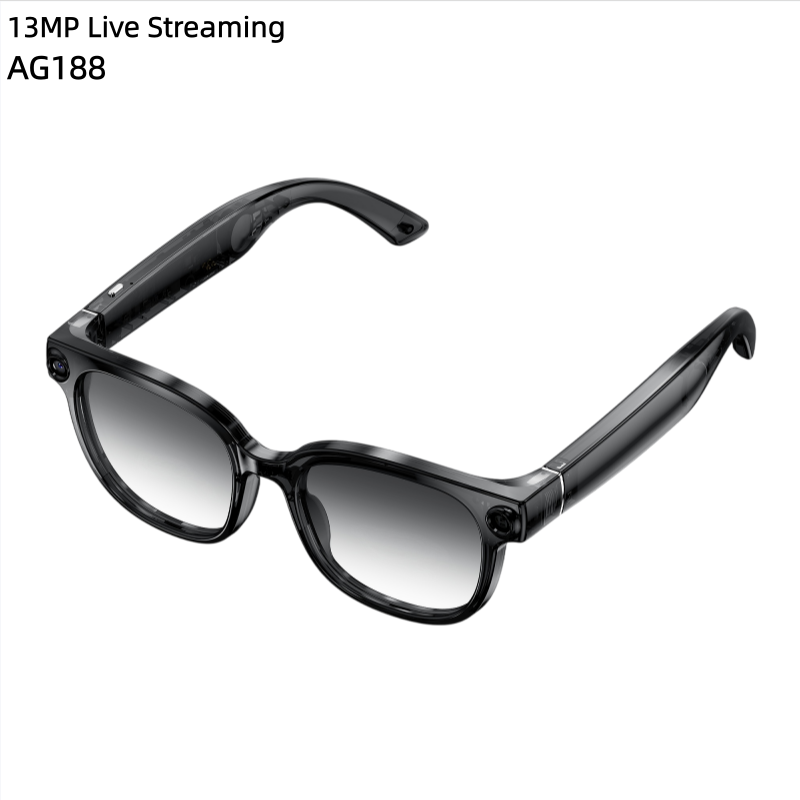
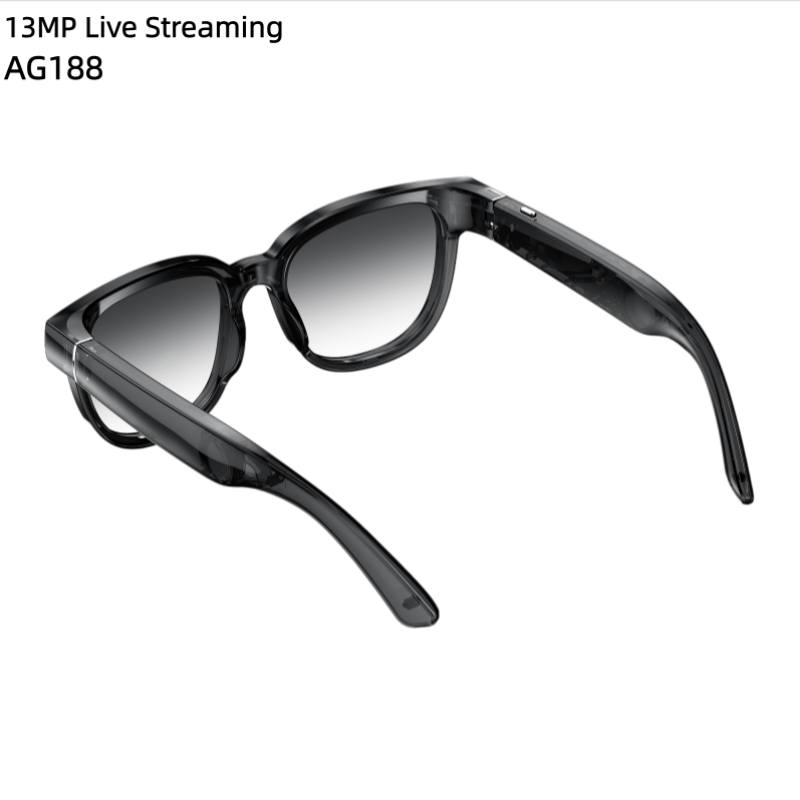
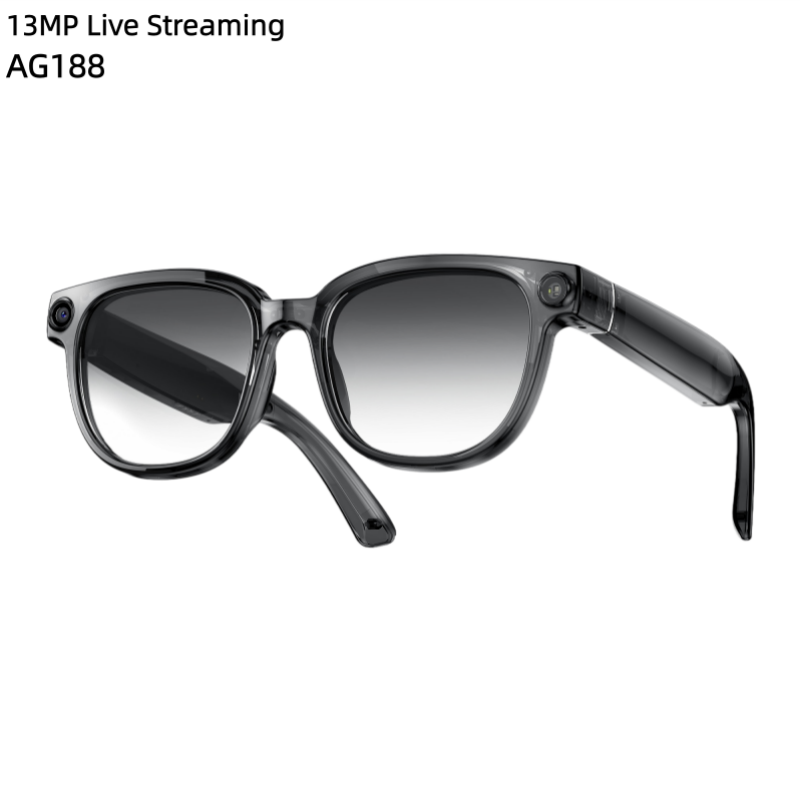
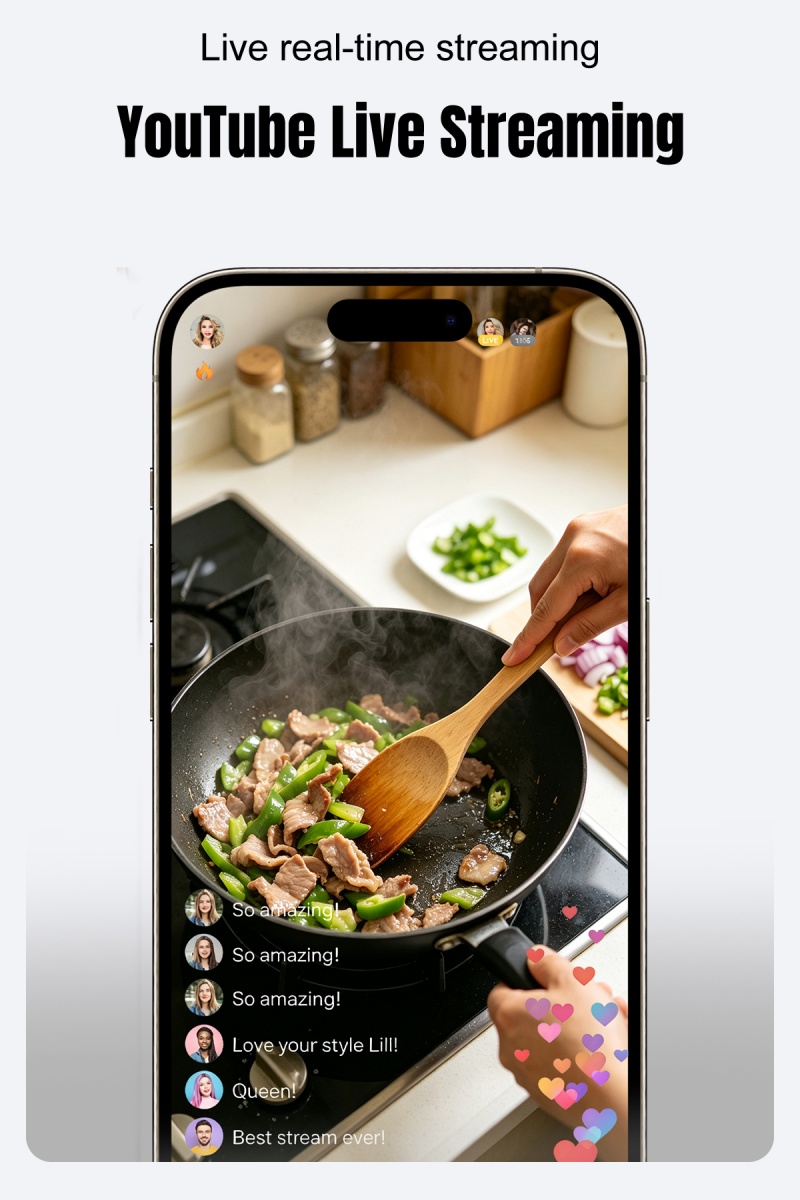
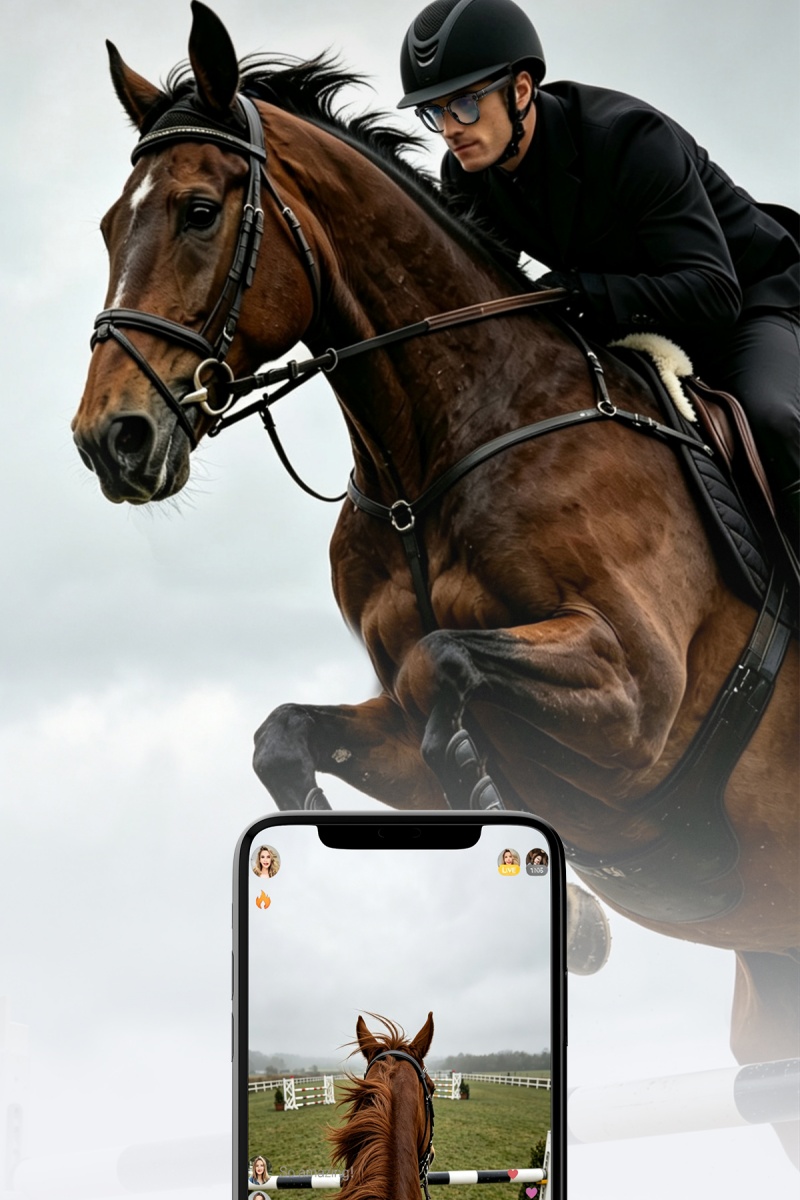
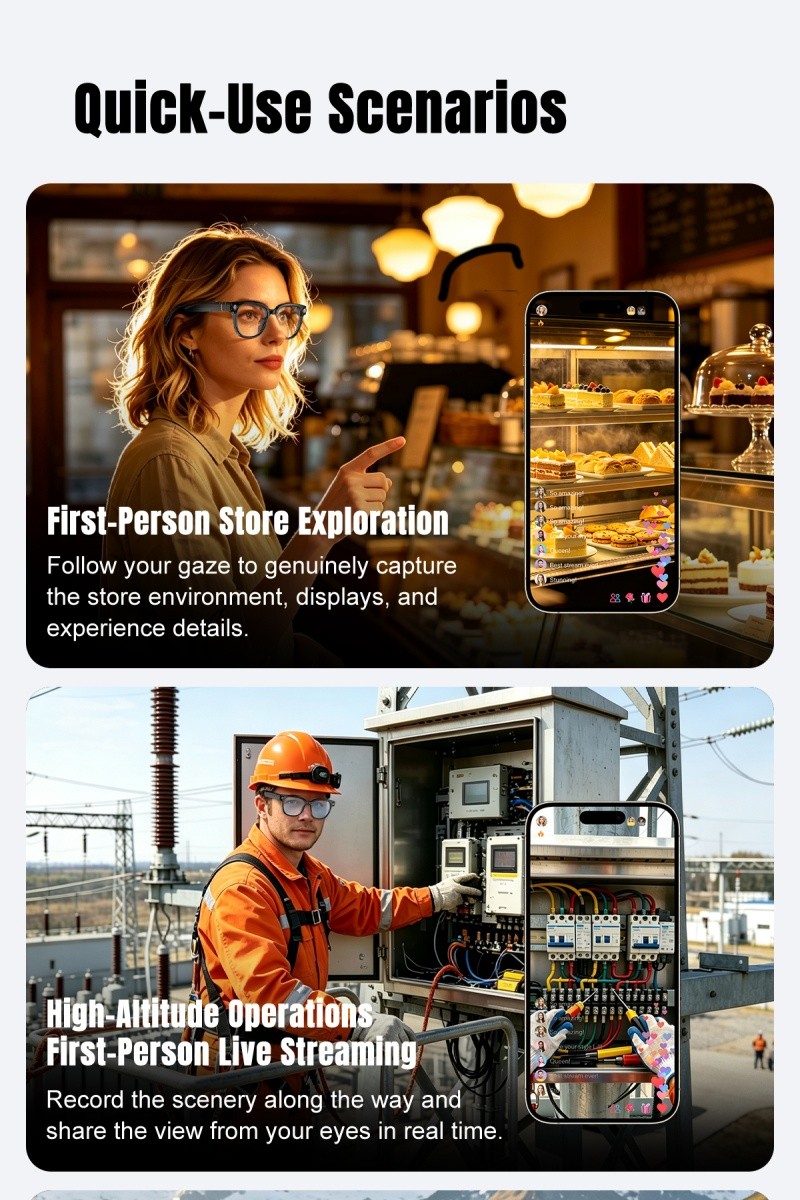
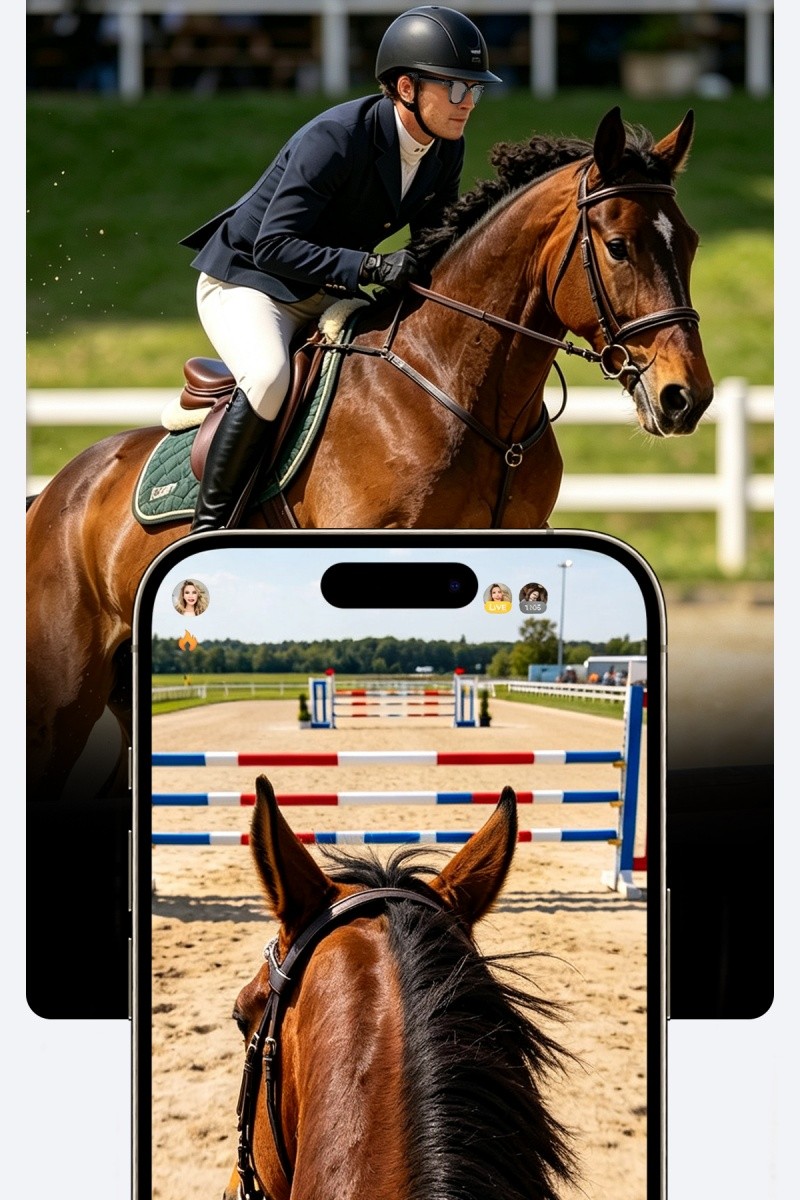
support live stream
TikTok Live
funseek apP
have goods in stock ;
support samples,small quantity order,customized
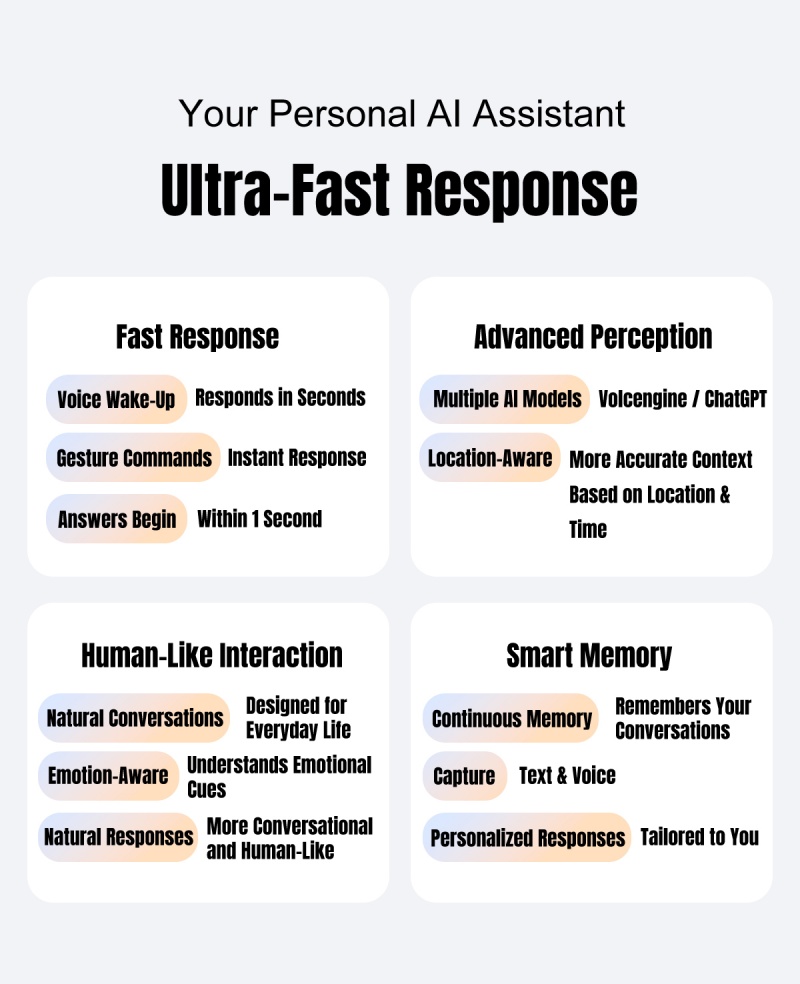
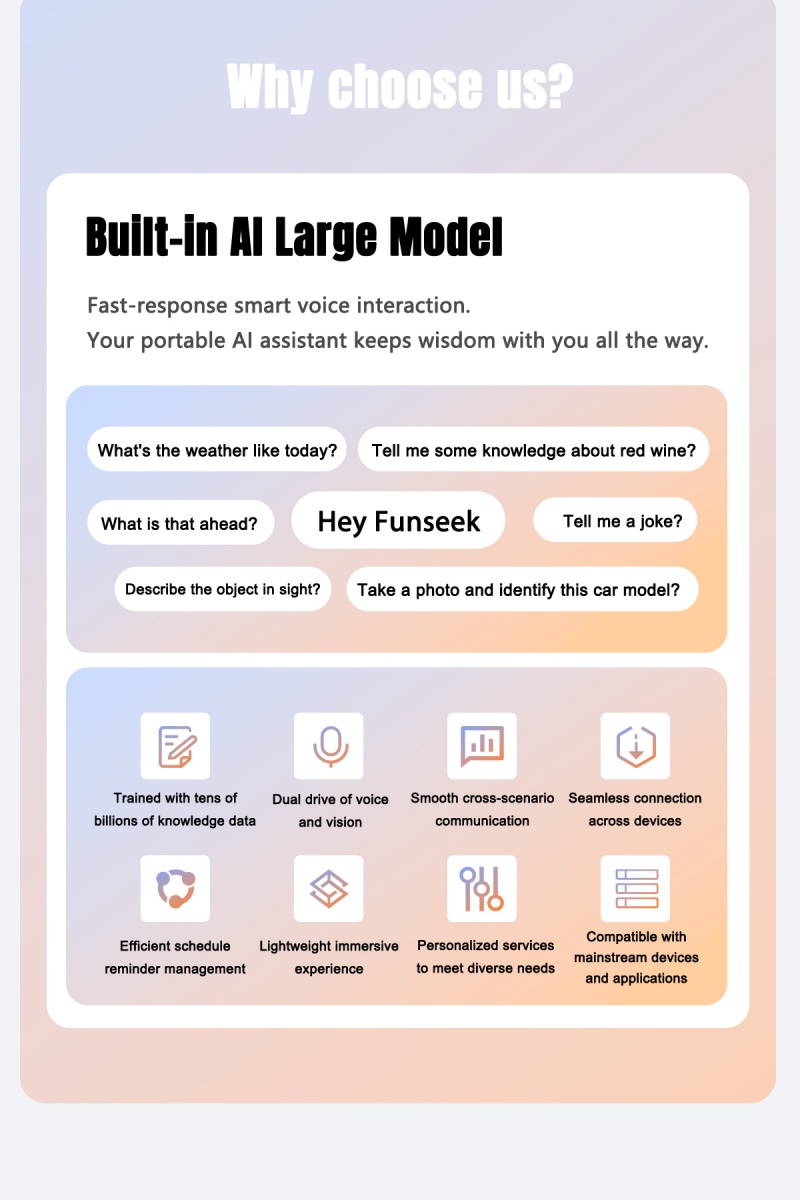
Voice wake-up: say “Hey Funseek” to activate the voice assistant
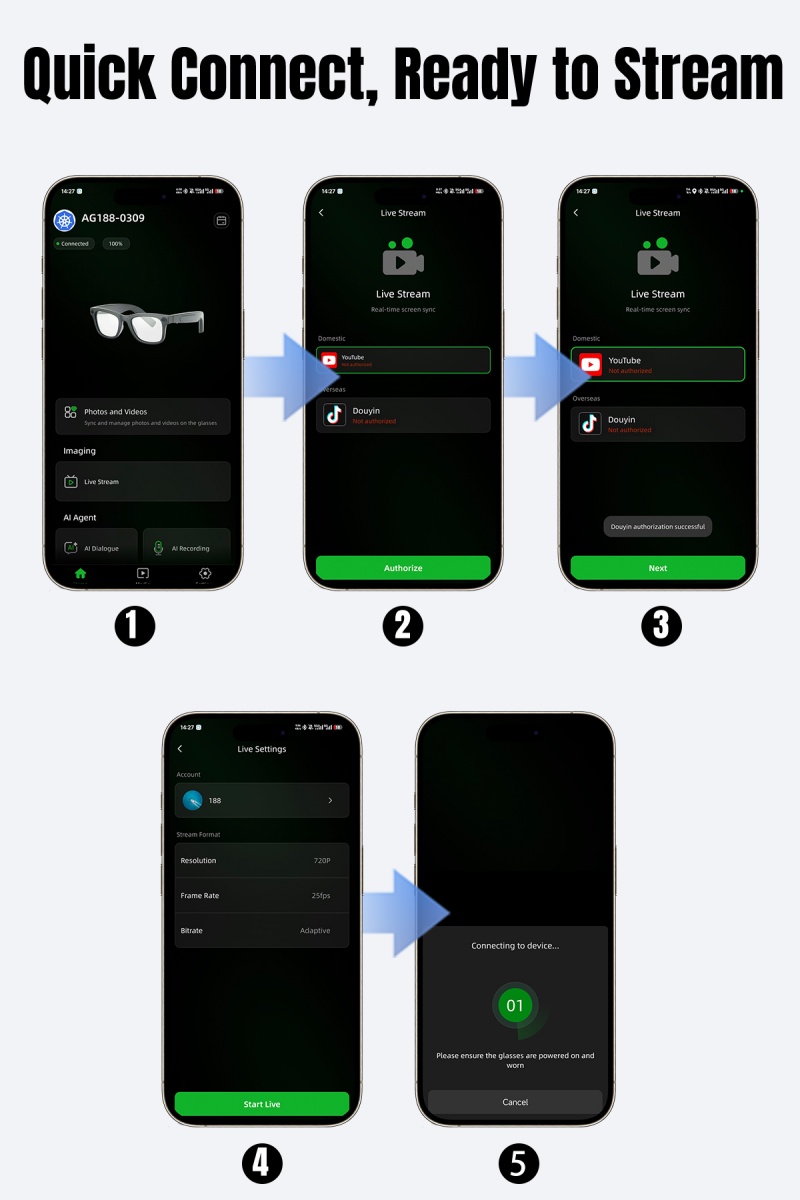
Supports Douyin and YouTube live streaming APP: FUNSEEK
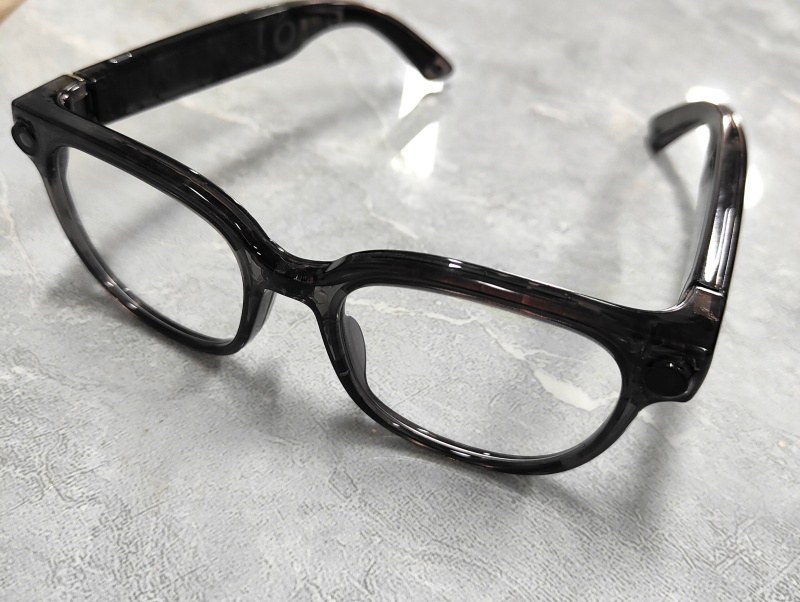
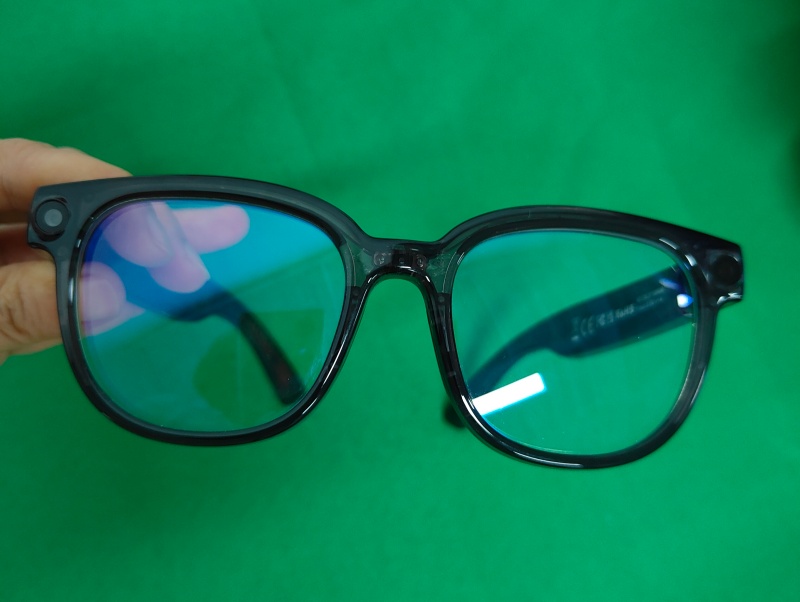
AI camera smart glasses
| AG188 Project Specification | ||
| Mechanical Structure | ||
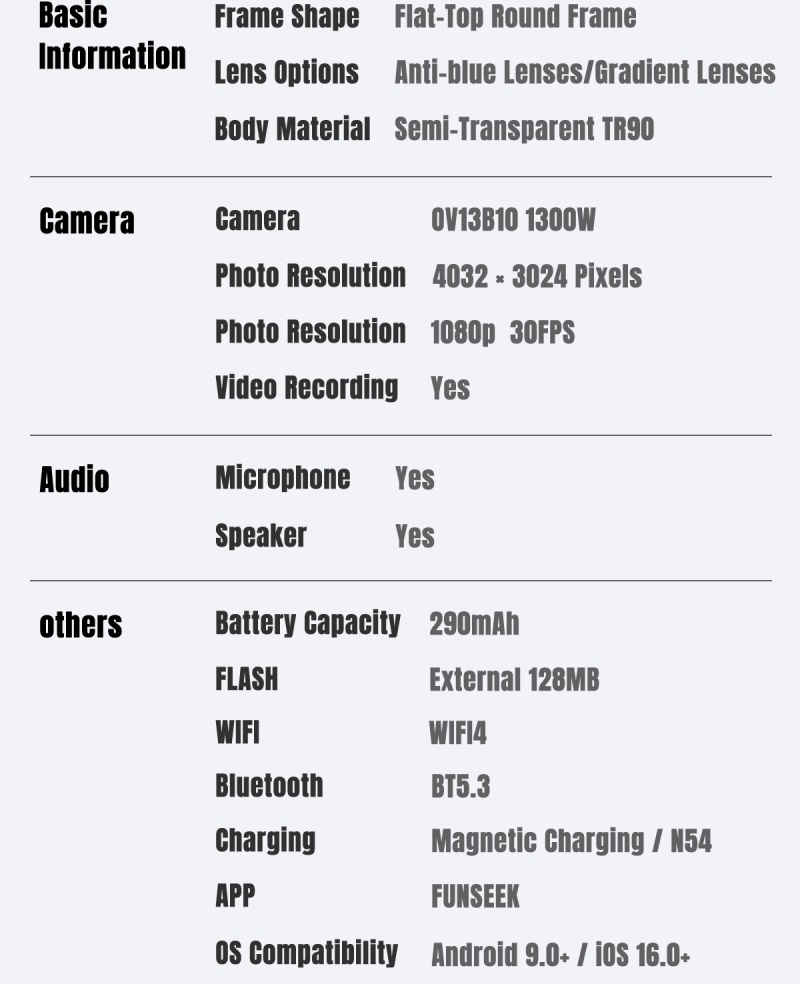
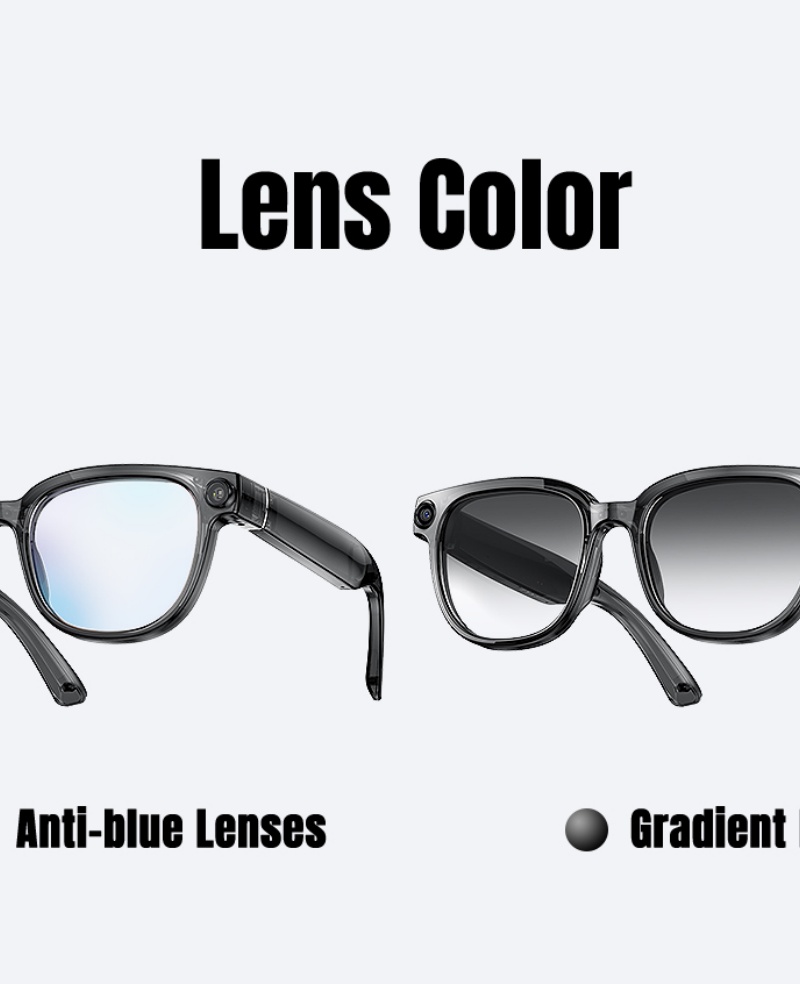
| Lens | PC (ordinary plano), PC with hard coating, hardness 60MPa | Transparent anti-blue light; photochromic lens turning gray / brown under light; coated lens |
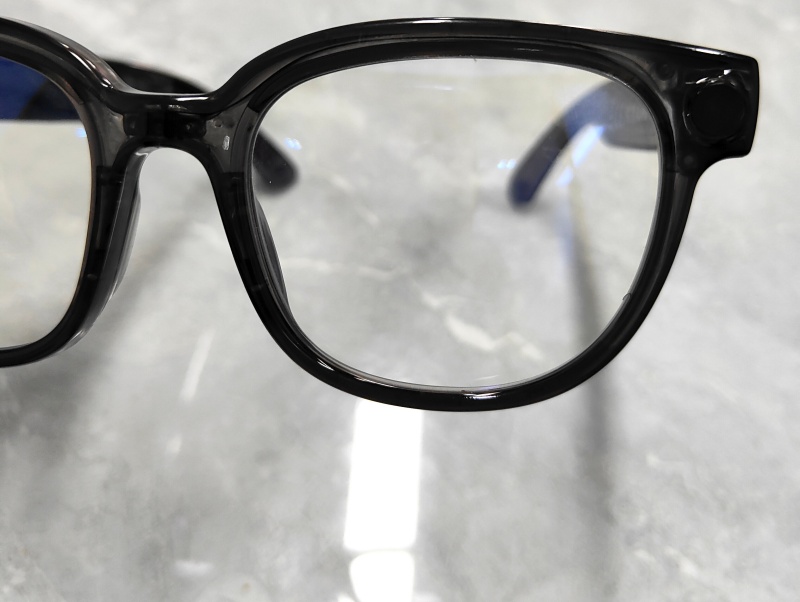
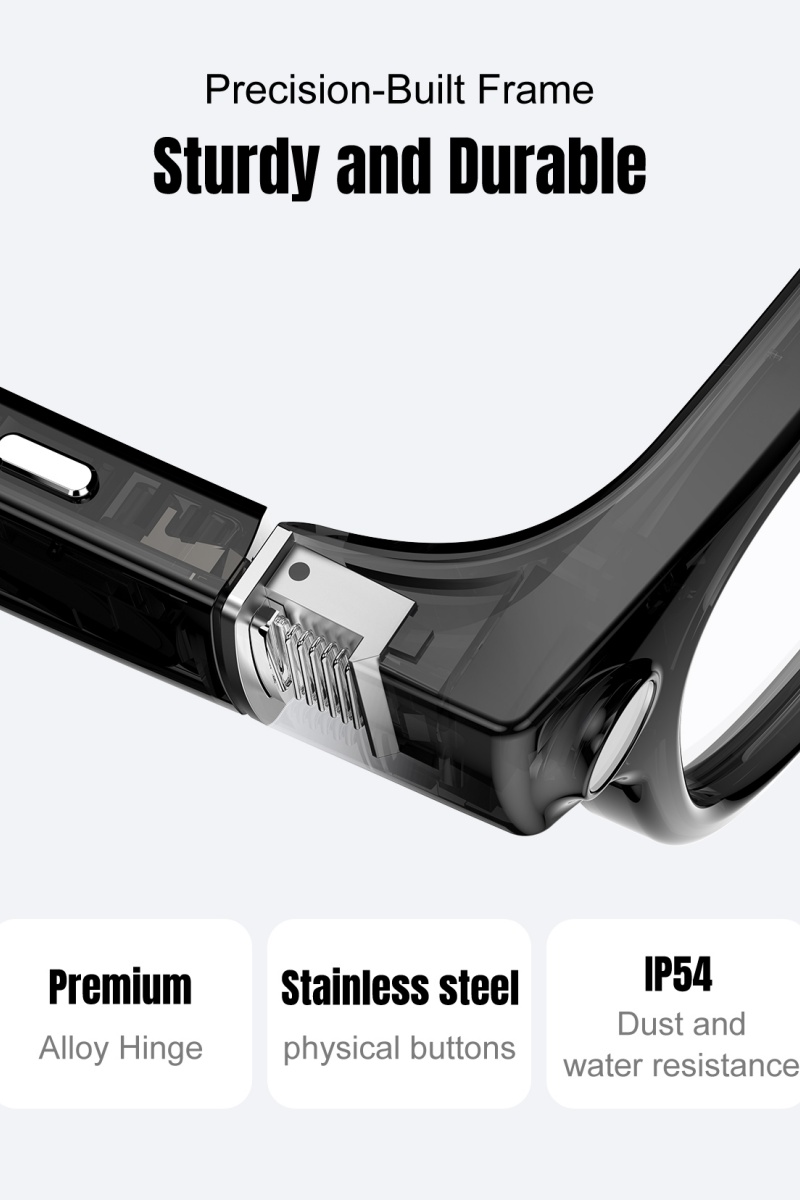
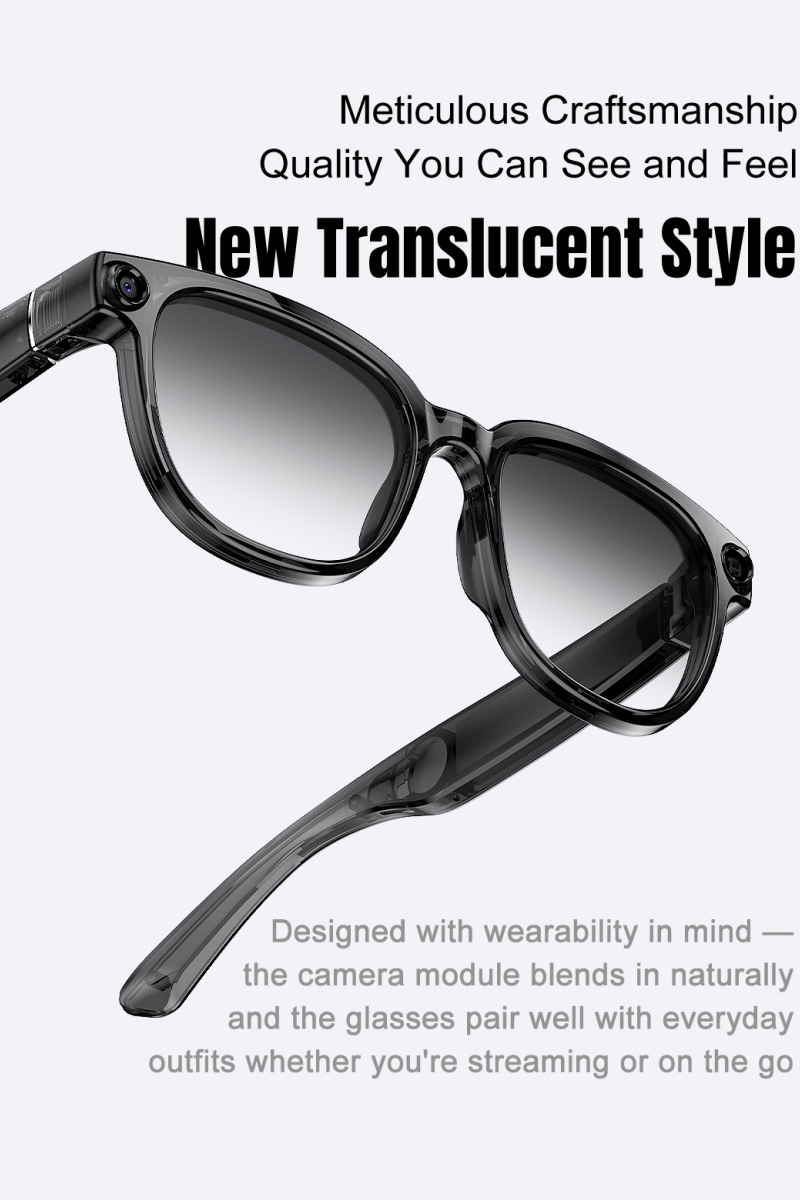
| Frame | Semi-transparent TR90 -- surface spray coating | |
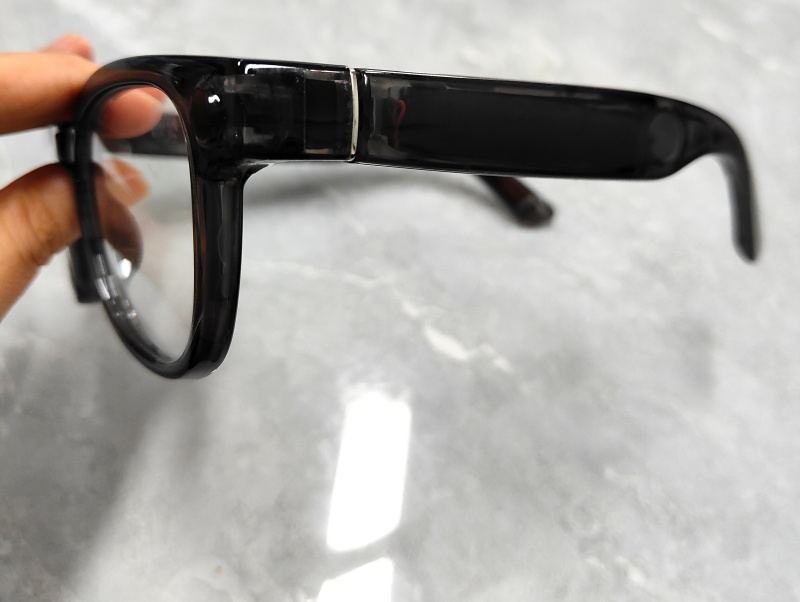
| Temple | Semi-transparent PC -- surface spray coating | |
| Button | Stainless steel (polished + IP electroplating) | |
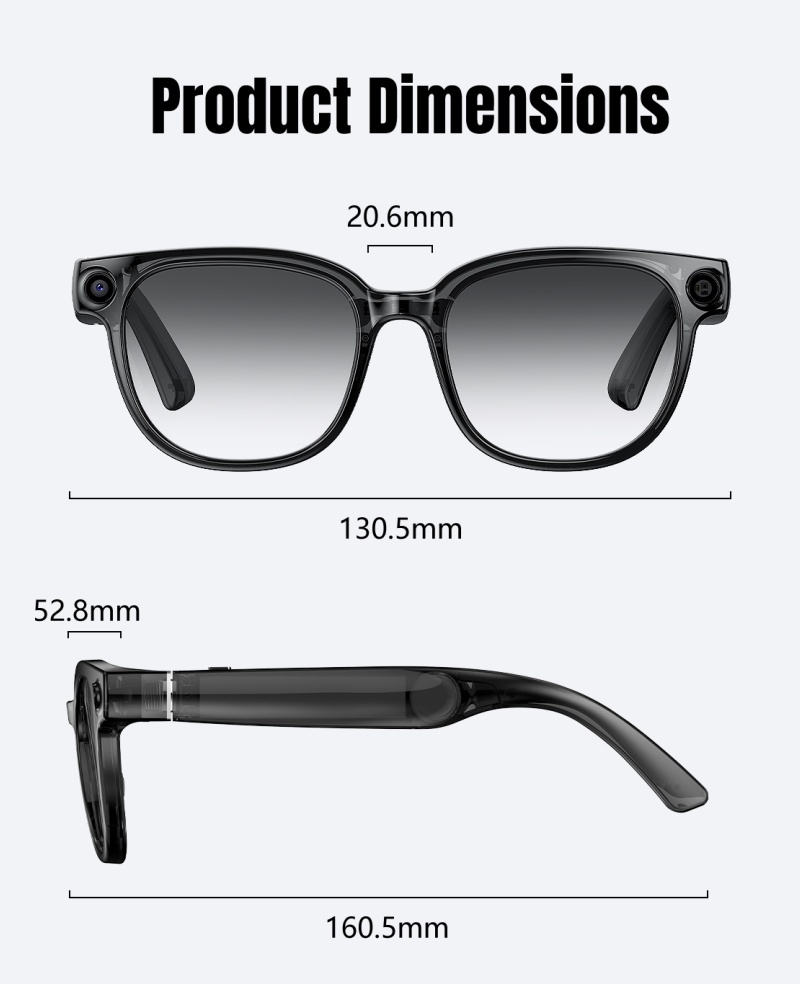
| Body Dimensions (Temple L x Frame W x Frame H) mm | Total length 160.5mm, total width 130.5mm, lens width 52.8mm, lens gap 20.6mm | |
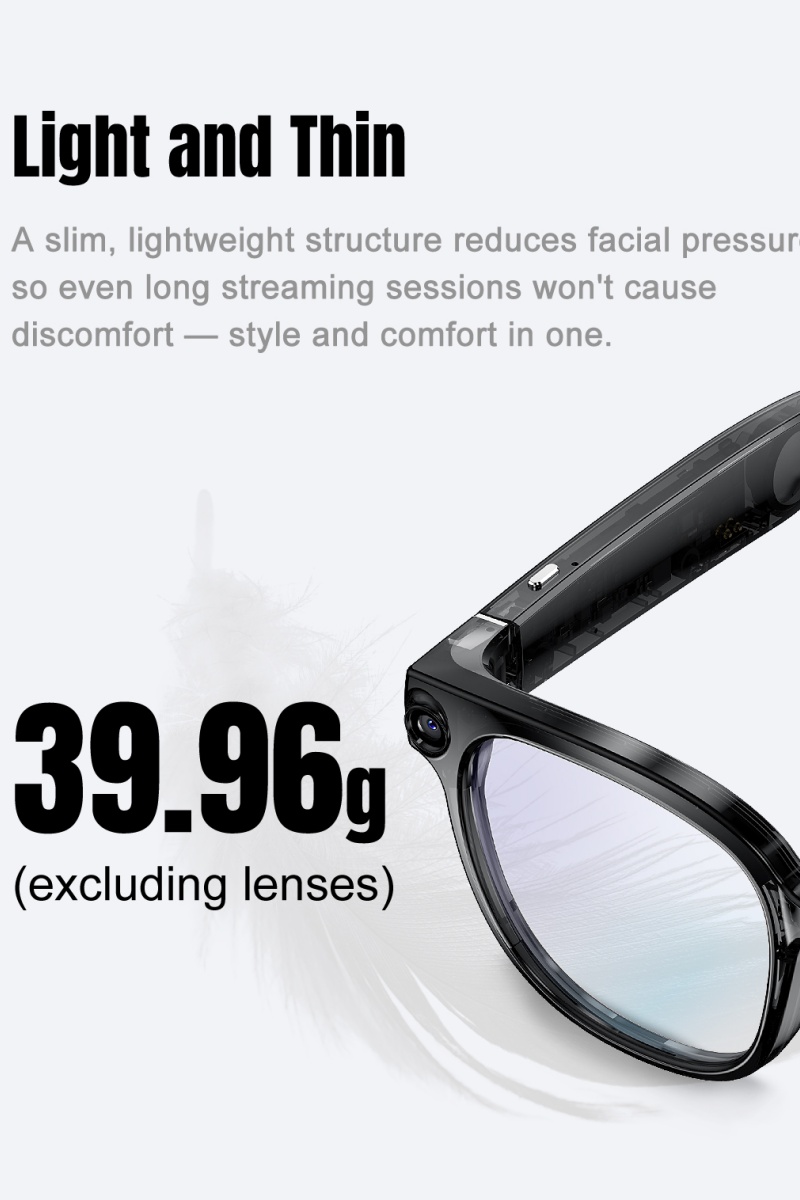
| Naked Weight | 53.2g(including lens) | 42.5g(excluding lens) |
| Weight with Packaging | 190 g | |
| Hardware | ||
| Platform | RTL8773DFL+RTL8735B | |
| Storage | SD NAND 4GB | |
| FLASH | RTL8735B external NOR FLASH - 128M | |
| WiFi | WiFi4 | |
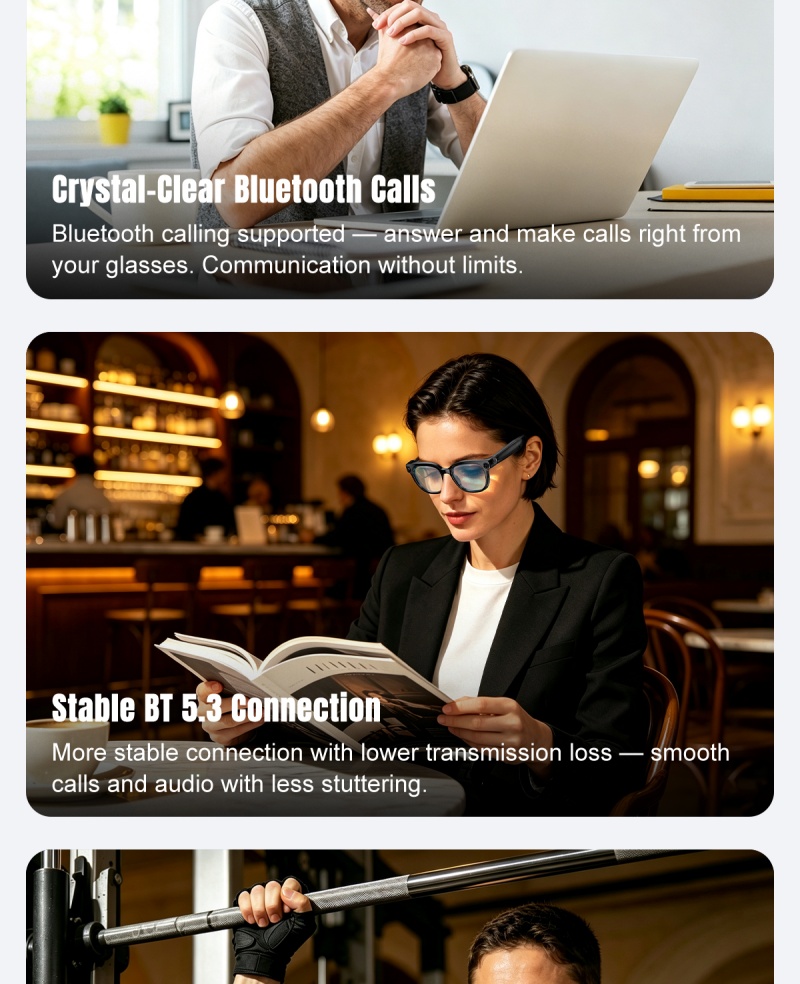
| Bluetooth | BT 5.3 | |
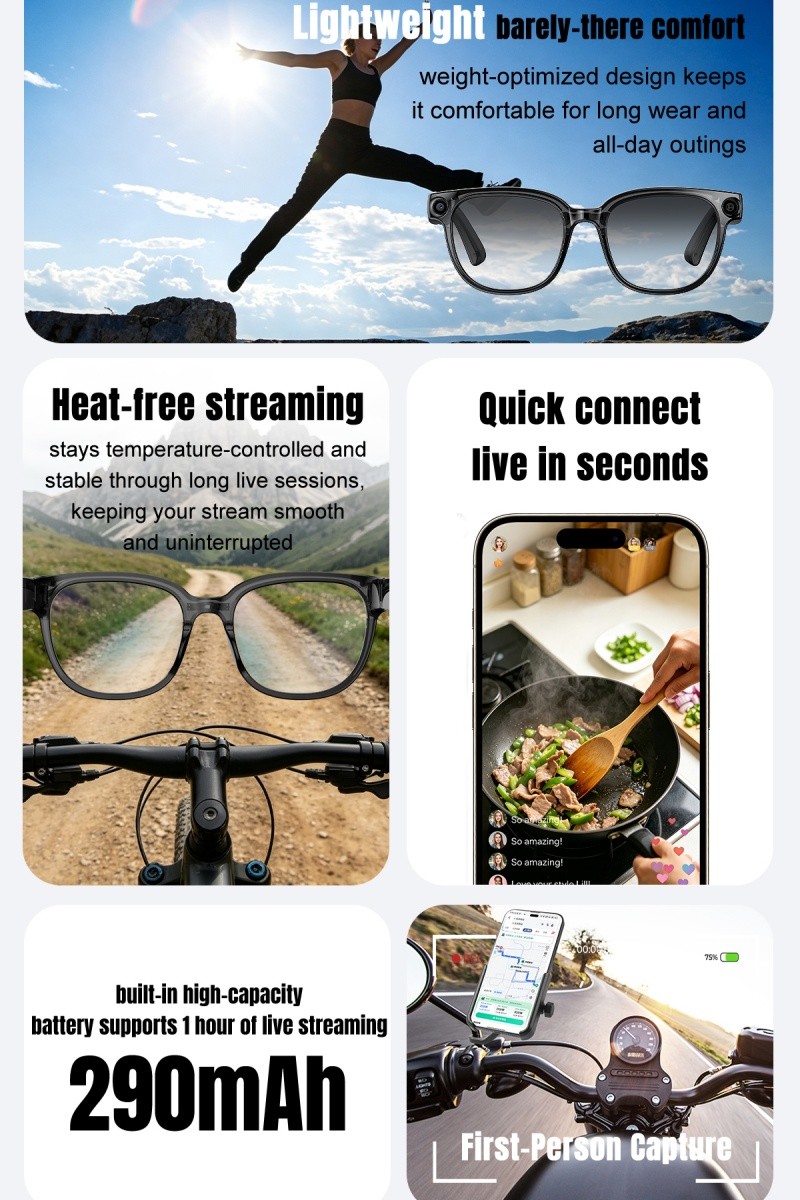
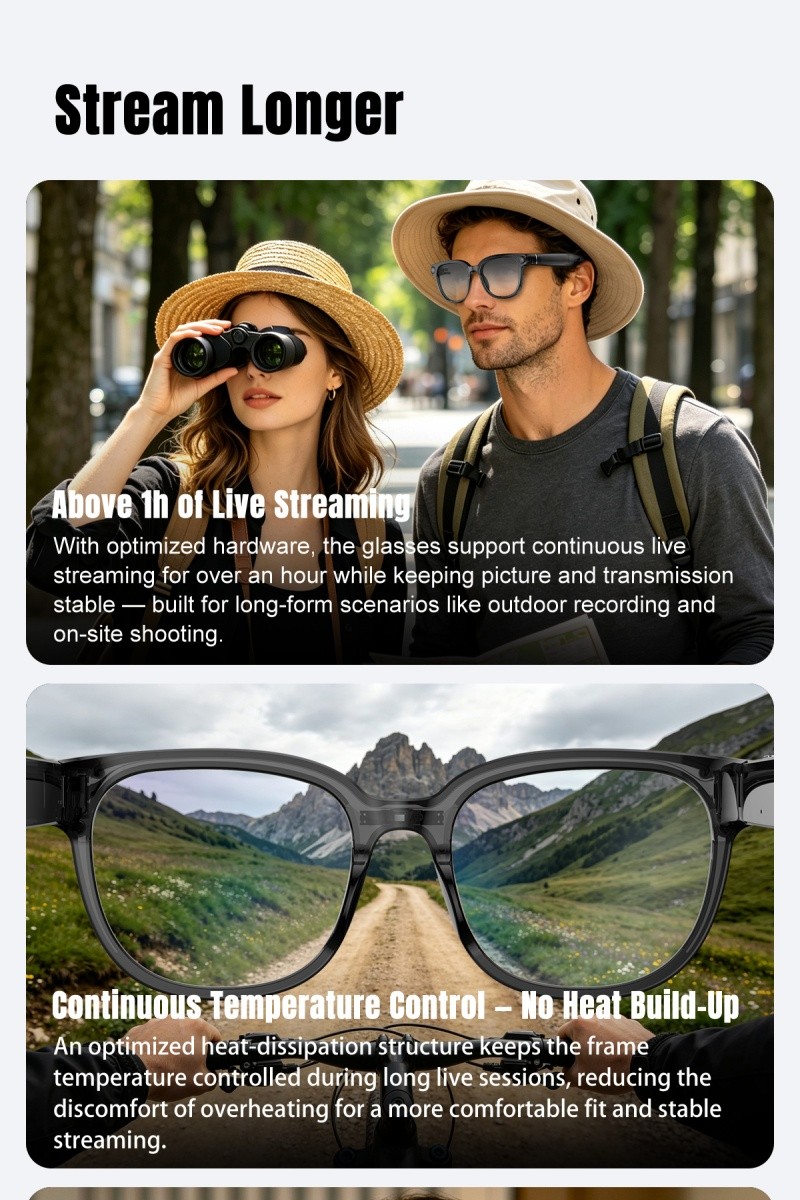
| Live Streaming | 720P 25fps | |
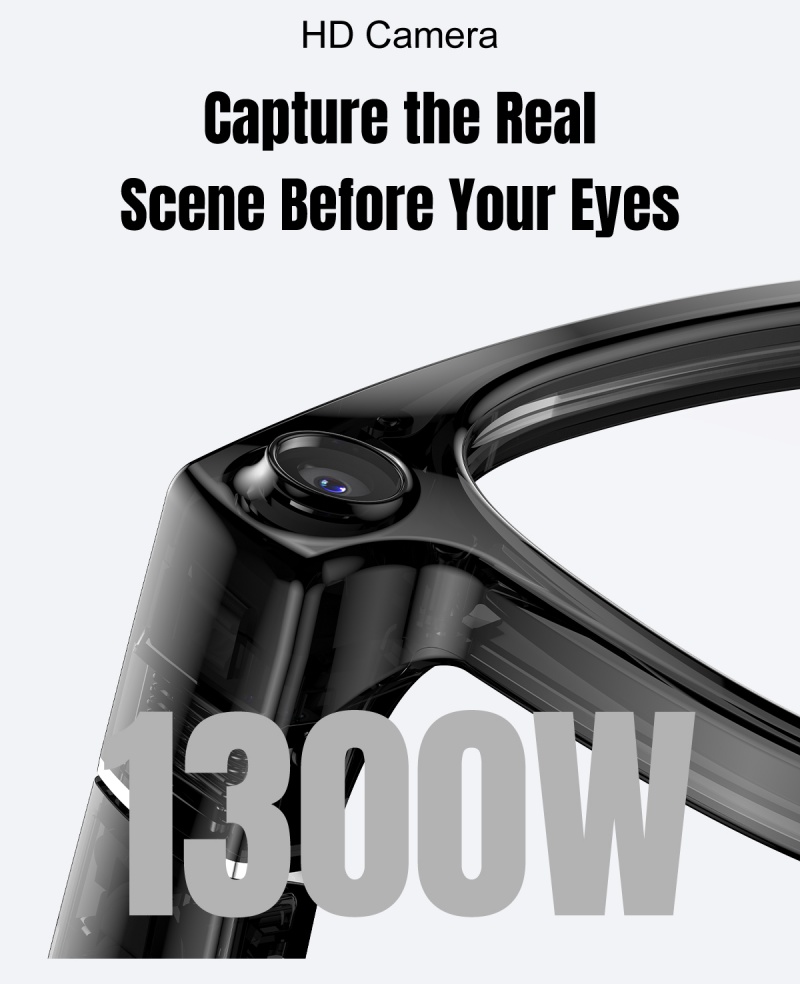
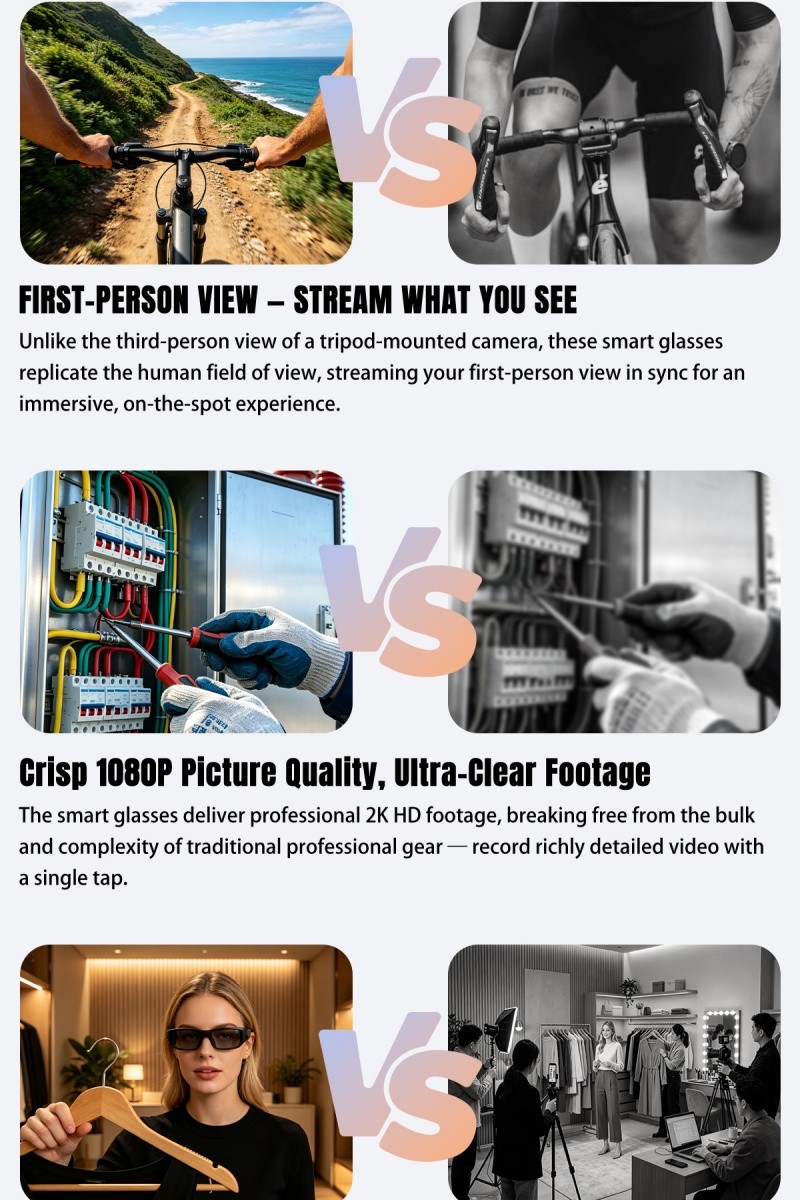
| Camera | OV13B10 13MP | |
| Image Stabilization | Gyroscope hardware stabilization | |
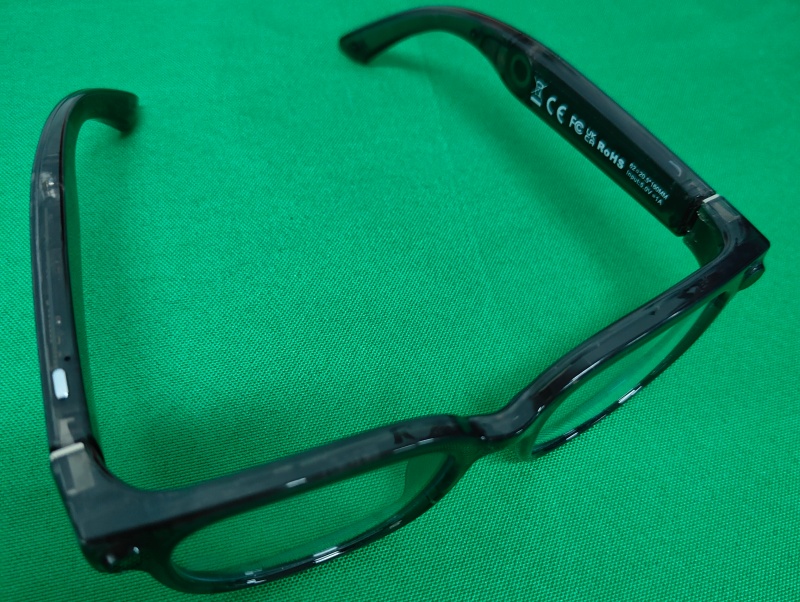
| Physical Button | 1 pc, photo/video/power on-off | |
| Touch Button | Touch FPC; audio functions (play/pause/previous track/next track/volume+/volume-); recording function | |
| Wear Detection | Supported | |
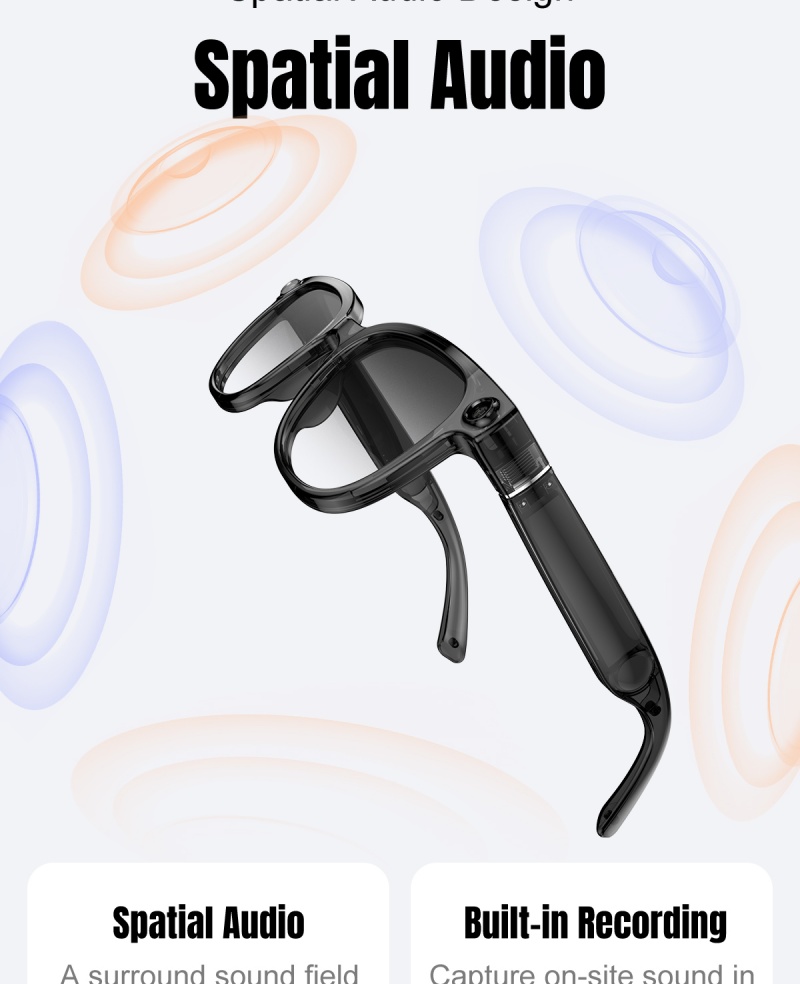
| Speaker | Dual speakers / 13mm diameter | |
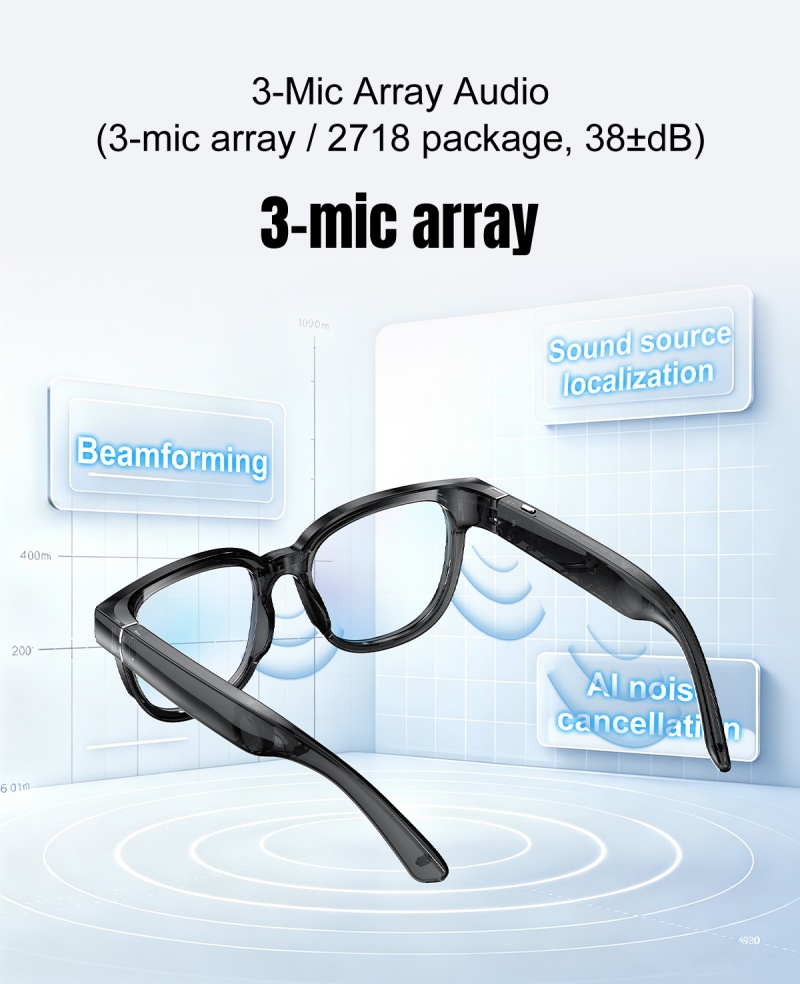
| MIC | 3-mic array / 2718 package 38dB±1dB | |
| Charging Method | Magnetic charging / magnet N54 | |
| Data Transfer (photos/videos/recordings) | WiFi 4 | |
| Indicator Light | Status light - 1 RGB LED + recording indicator - white LED | |
| Battery | 290mAh | |
| Function | ||
| Language Support | VAD languages (standard) | Chinese and English |
| Key Definitions | Power On/Off | Press and hold 3s to power off / press and hold 3s to power on (auto power-off if unused and not connected for 5 minutes) |
| Photo | Short press | |
| Recording | Triple-press to enter recording, short press to end recording | |
| Video | Double-press to start video, short press to end video | |
| Factory Reset | Press and hold the button for 8s to restore the glasses to factory settings and clear all file records on the glasses | |
| Answer Call | Short press to answer, short press to hang up (phone calls, and third-party calls such as WeChat, QQ, WhatsApp are currently supported only on iOS phones) | |
| Status Indicator Light | Not connected | Flashing blue light |
| Connected | Blue light stops flashing (no light effect displayed) | |
| Power off | Red light flashes twice when powering off | |
| Charging | Red light while charging, green light when fully charged | |
| Recording Indicator Light | Photo | Single shot, white light flashes once per shot |
| Recording | Flash light breathes while recording | |
| Video | Flash light breathes while recording | |
| Touch Panel | One-touch AI | Press and hold touch for 3s |
| Play/Pause Music | Single tap on the touch area to play, single tap on the touch area to pause | |
| Previous Track | Triple tap on the touch area for previous track | |
| Next Track | Double tap on the touch area for next track | |
| Volume Up | Swipe forward on the touch area to increase volume | |
| Volume Down | Swipe backward on the touch area to decrease volume | |
| Liveness Detection | Worn | Not supported |
| Removed | Not supported | |
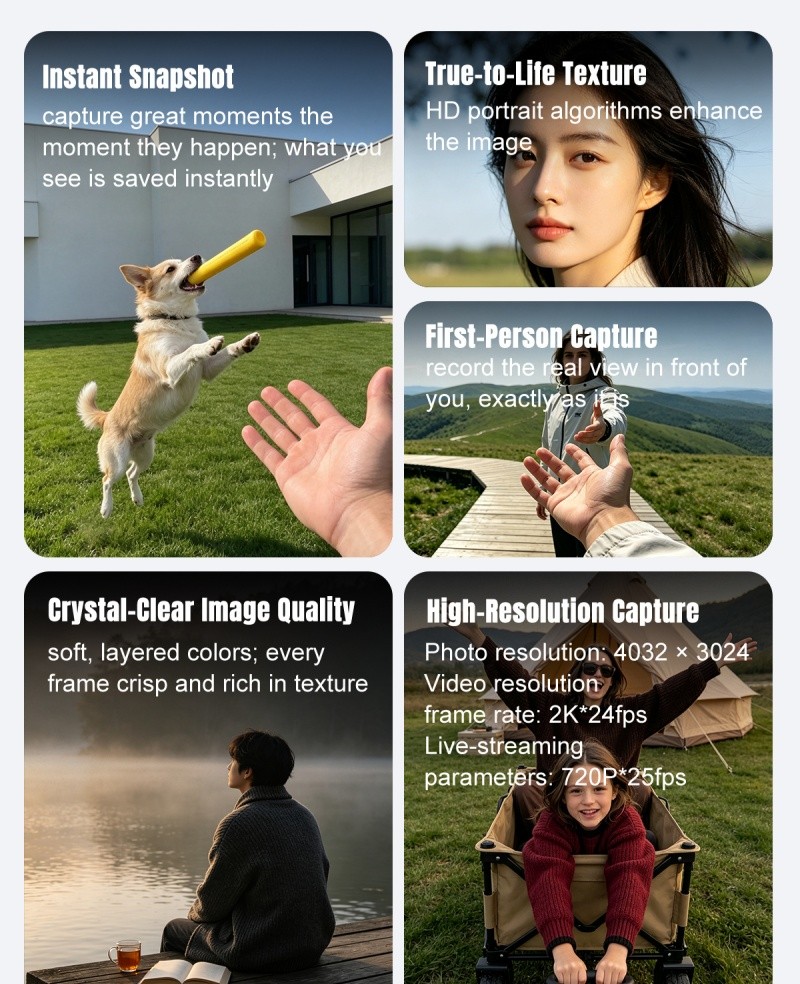
| Camera Functions | ①When disconnected, photo, recording and video are supported; data can be synced upon reconnection ②Video & Recording: ·Start, stop, and auto-save when memory is full are supported ·Video duration can be set in the APP (15s, 30s, 1min, 3min, 5min, 10min) ·Syncing via APP supported Photo resolution 4032*3024 Video resolution and frame rate 2K 24fps Live streaming parameters 720P 25fps | |
| Live Streaming | Supports Douyin and YouTube live streaming | |
| Battery Functions | ·At 0% battery, the glasses will auto power off ·Low battery warning when battery is below 20% ·When powered off, the charging device will enter charging mode and will not auto power on ·OTA: upgrade is available when battery is ≥50%; low battery prompt is shown in the APP | |
| Voice Wake-up | ①Voice: mature female voice ②Voice wake-up: say “Hey Funseek” to activate the voice assistant ③AI functions require connection to the APP ·Photo: take a photo ·Others: what time is it now, how is the weather | |
| AI | ①Prerequisites: ·In wake-up state ·Keep the glasses connected to the APP ②Large model capability - ask the large model anytime: ·What is the weather like today? ·Tell me something about red wine? ·Can you tell me a joke? ③Vision large model - let AI see what you see: ·Describe what is in front of me ·Take a photo and identify what car this is? ·Help me check how many calories this burger has? | |
| Notification Tones | Power on, power off, connect, disconnect, photo, video, recording, touch panel, charging, low battery. | |
| AI Model | Qwen (Tongyi Qianwen), OpenAI | |
| Simultaneous Interpretation | Supported - Microsoft large model | |
| Conversation Translation | Supported - Microsoft large model | |
| Meeting Minutes | Supported - under development | |
| APP | FUNSEEK, Android 8.0 and above, iOS 13.0 and above | |
| Environmental | ||
| Operating Temperature | 0℃ to 55℃ | |
| Charging Temperature | (0℃ to 40℃) ±3℃ | |
| Operating Humidity | 10%-90%RH (non-condensing) | |
| Storage Temperature | -20℃ to 70℃ | |
| Storage Humidity | 5%-90%RH (non-condensing) | |

Contact: tina
Phone: +86 13534035013
E-mail: tina@jingyuniot.com
Whatsapp:0086-13534035013
Add: 11th Floor, Building A1, Huahao Industrial Park, No.59 Gangzai Street, Xinqiao Subdistrict, Bao'an District, Shenzhen City
We chat